THE POPSMART SUITE

AI that sells and AI that shoots.

PopSmart builds two tools for Shopify merchants. Clerk converts visitors on your storefront. Studio creates product imagery in your admin. Same brand, different jobs.

POPSMART CLERK

An AI salesperson on every page of your store.

Clerk reads visitor behavior — browsing, comparing, hesitating, about to leave — and speaks up only when it'll help convert. No theme edits, no generic popups.

  • Hesitation right before checkout.

    Cart full, about to leave. Clerk reads real hesitation signals — cart inactivity, extended product dwell, exit intent — and drops in the right line at the right moment. A saved-cart reassurance, a free-shipping cue, a matching pick they missed.

  • Upsell and cross-sell without the intrusion.

    Traditional 'you might also like' widgets get scrolled past. Cross-sell modals get dismissed on sight. Clerk reads the shopping flow and suggests the right companion or upgrade at exactly the right moment — in a tone that helps, not pitches. Higher basket size without breaking the experience.

mystore.myshopify.com
Perfect Pairing!

This one pairs great with what you just added — want to see the set?

Canvas Weekender Bag
$59 $45
Later
POPSMART STUDIO

Skip the shoot. Ship the look.

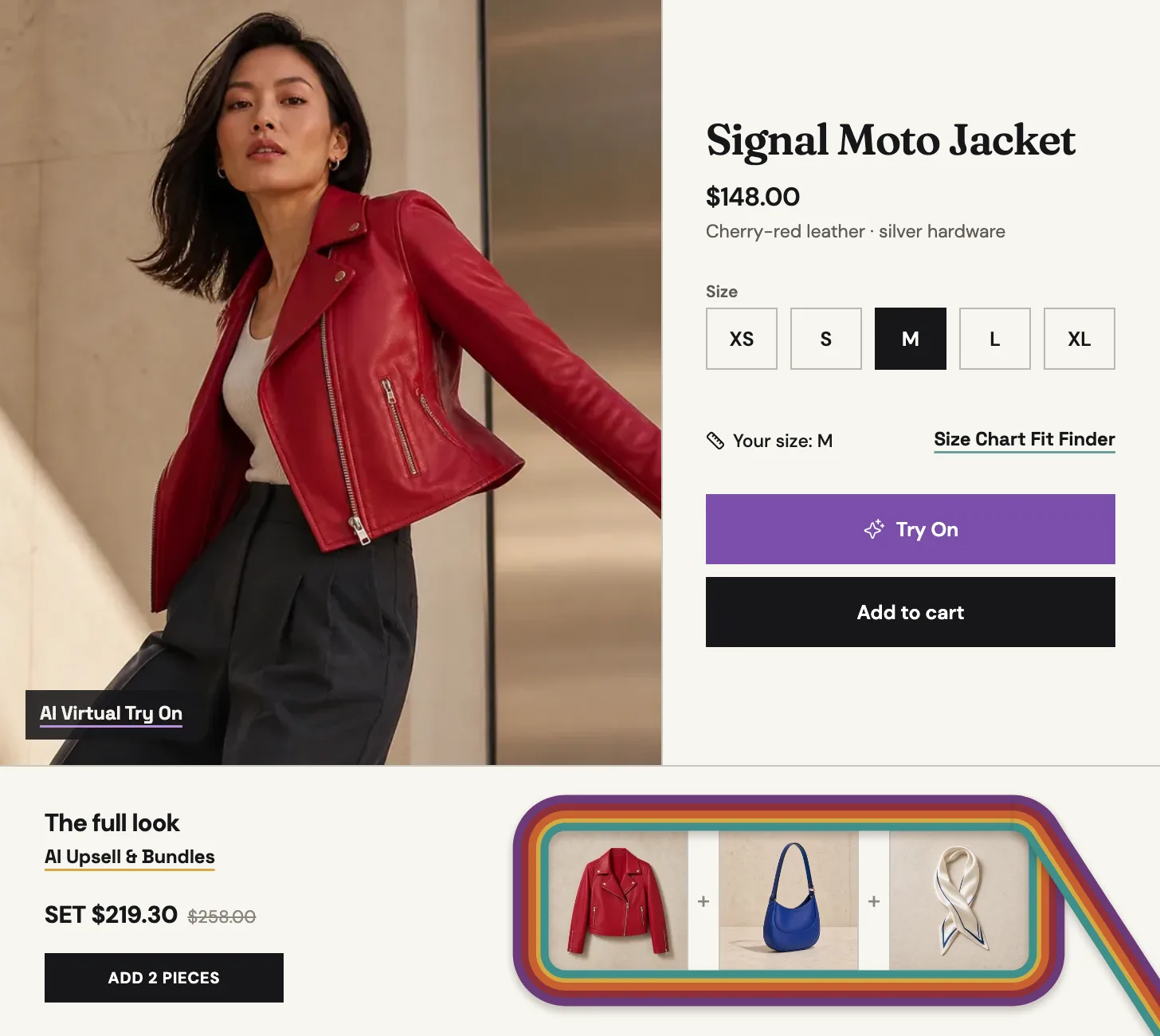
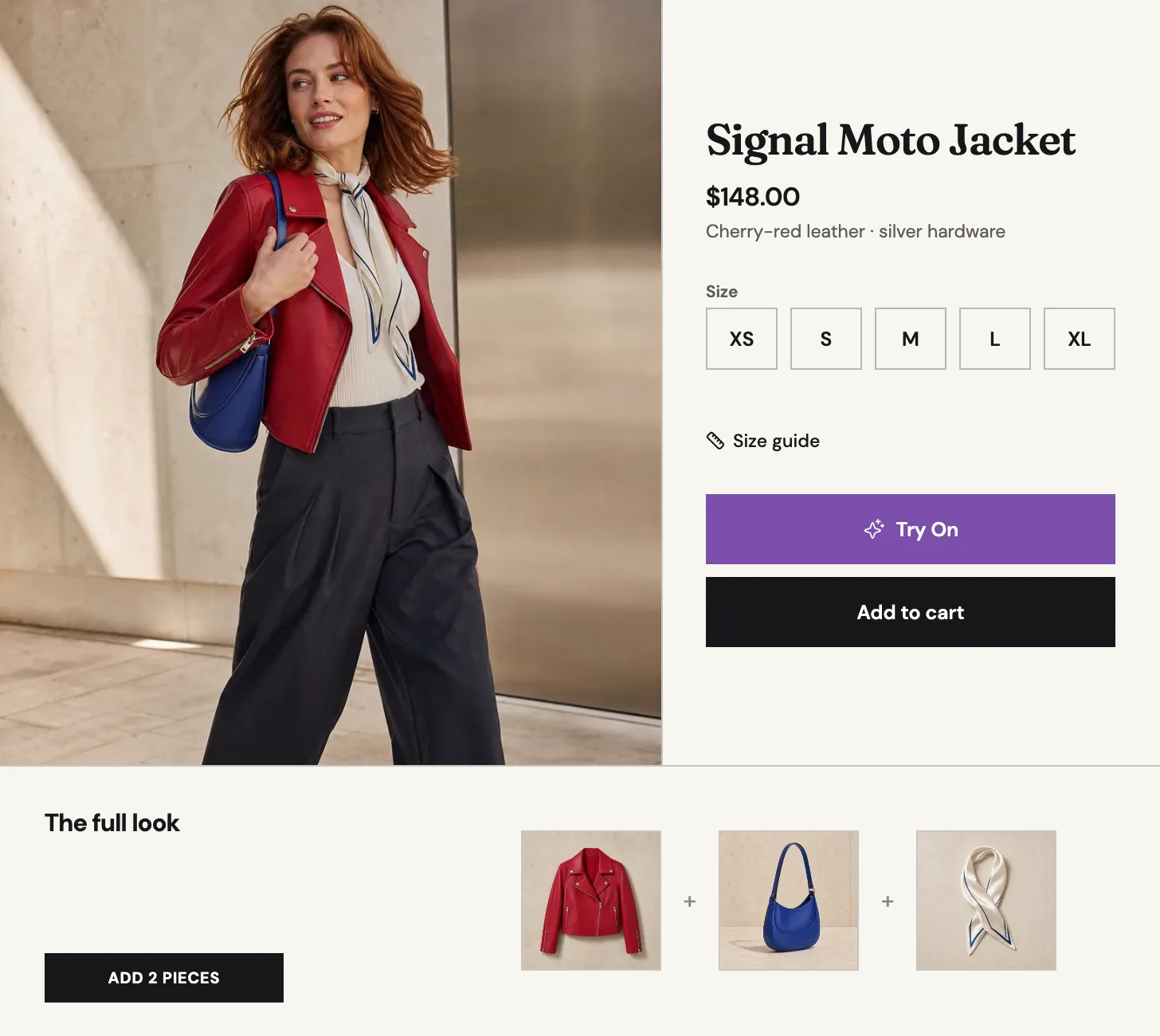
Studio turns one product photo into on-model shots, lifestyle scenes, and on-PDP try-on — ready to publish to Shopify, Instagram, and every channel. No studio day, no re-shoots, no scheduling week.

  • The photoshoot that keeps getting pushed.

    New drop incoming, and suddenly you need studio time, a model booking, a photographer, retouching. Studio generates on-model shots, scene composites, and social variants from the flat-lays you already have — every colorway, every campaign, minutes not weeks.

  • PDPs that lose to fit doubt.

    Photos can't answer 'will it fit me?' Studio's try-on widget sits on every product page. Shoppers upload a photo or pick an AI model, see the fit in seconds, stay on the page. Higher engagement, lower returns, no redirect.

Studio pulls them in. Clerk closes the sale.

Studio pulls visitors in with imagery and on-PDP try-on. Clerk converts them with real-time behavior reads and timely nudges. Install both — admin-side creation meets storefront-side conversion, same brand.

Before you install

Is there a free trial or free plan?

Both apps let you start before you pay. Clerk has a free plan that covers live storefront traffic. Studio gives trial credits on first install, with non-expiring credit packs when you're ready to scale. Test the fit first.

How long does setup take?

Under a minute. One click from the Shopify App Store, and either app syncs your products, variants, and (for Clerk) 180 days of order history automatically. No uploads, no tagging, no configuration.

Do I need a developer to install?

No. Neither app requires code edits or theme changes. Clerk runs as a storefront overlay that adapts to your theme automatically. Studio's try-on widget installs as a Shopify theme app extension — a toggle, not a code deployment.

Which should I install first — Clerk or Studio?

Match the bottleneck. Traffic but low conversion → Clerk first, because it reads hesitation signals and converts in real time. Great traffic but thin or inconsistent imagery → Studio first, because fresh PDPs lift campaign performance across channels. Many merchants end up running both.

How quickly will I see results?

Clerk starts working the moment it installs, then sharpens itself daily based on what drives clicks and conversions in your store. Studio generates imagery in minutes — one flat-lay fans into on-model shots, scene composites, and multi-channel variants before the kettle boils.

Is my data safe, and can I uninstall easily?

Both apps are GDPR-compliant and read your store only through Shopify's authenticated APIs — never shared with third parties. One-click uninstall from Shopify admin triggers automatic data deletion within 48 hours. No lock-in, no lingering data.

Install the one you need. Add the other when you're ready.

Free to try. One click from the Shopify App Store. Uninstall anytime.