जोड़ने के लिए और विकल्प। पहनकर देखने का तरीका। सही साइज़ चुनने का भरोसा।
PopSmart ऑफ़र, वर्चुअल ट्राय-ऑन और साइज़ मार्गदर्शन के लिए तीन Shopify ऐप बनाता है। अभी अपने स्टोर की ज़रूरत वाले ऐप से शुरू करें।
सही ऐप खोजें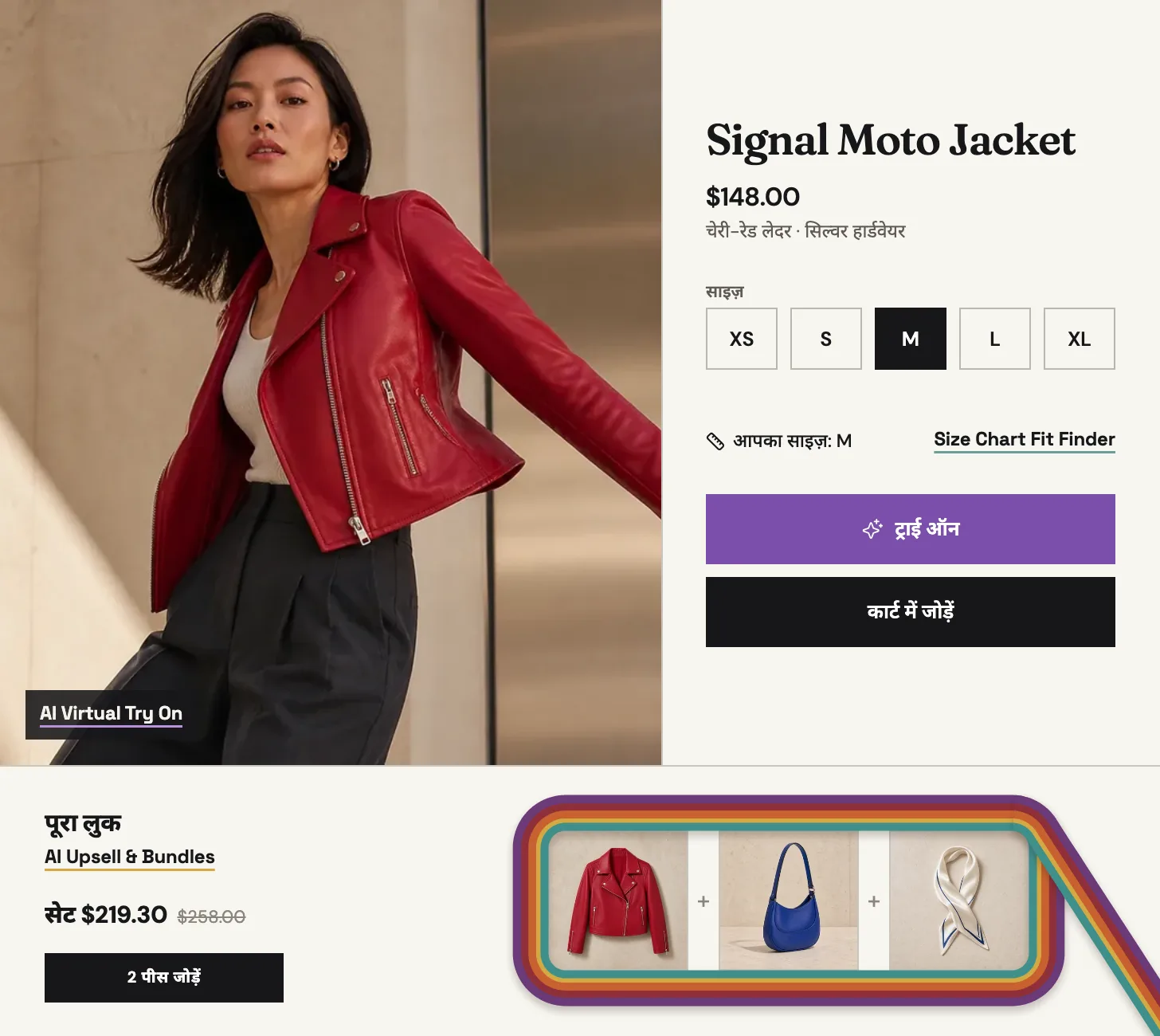
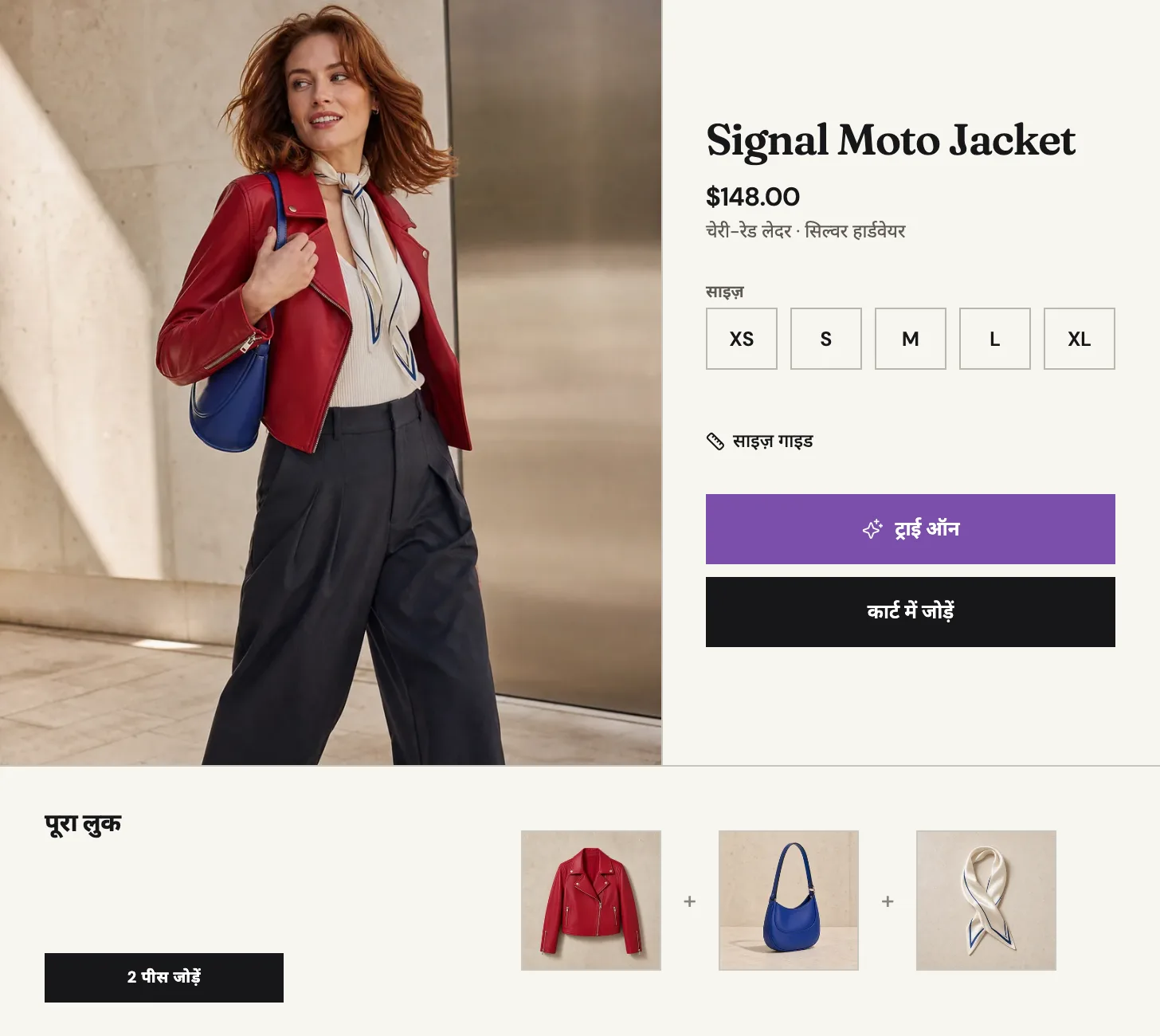
आपके स्टोर को अब क्या हल करना है?
इंस्टॉल करने से पहले
क्या मैं केवल एक PopSmart app install कर सकता हूं?
हां। हर app स्वतंत्र रूप से install, run और bill होता है। उस purchase decision से मेल खाने वाले app से शुरू करें जिसे आप सुधारना चाहते हैं।
Setup कैसे होता है?
Installation पहला कदम है। AI Upsell & Bundles Growth Embed, storefront connection, product sync, preview और merchant-controlled turn-on का उपयोग करता है। अन्य दोनों Shopify theme app extensions उपयोग करते हैं जिन्हें publish से पहले enable और verify किया जाता है।
क्या developer चाहिए?
Theme code edits की जरूरत नहीं है। संबंधित Growth Embed या theme app extension enable करें और publish से पहले preview या onboarding checks verify करें।
क्या free plan से शुरू कर सकता हूं?
हां। तीनों apps का free plan है। AI Virtual Try On Free में Photo Try-On शामिल है; paid plans में Live Try-On जुड़ता है। मौजूदा limits और terms product pages तथा Shopify approval screen पर हैं।
उस सवाल से शुरू करें जो आपके shoppers पहले से पूछते हैं।
तीनों apps का free plan है, और हर app स्वतंत्र रूप से install और bill होता है।
सही ऐप खोजें